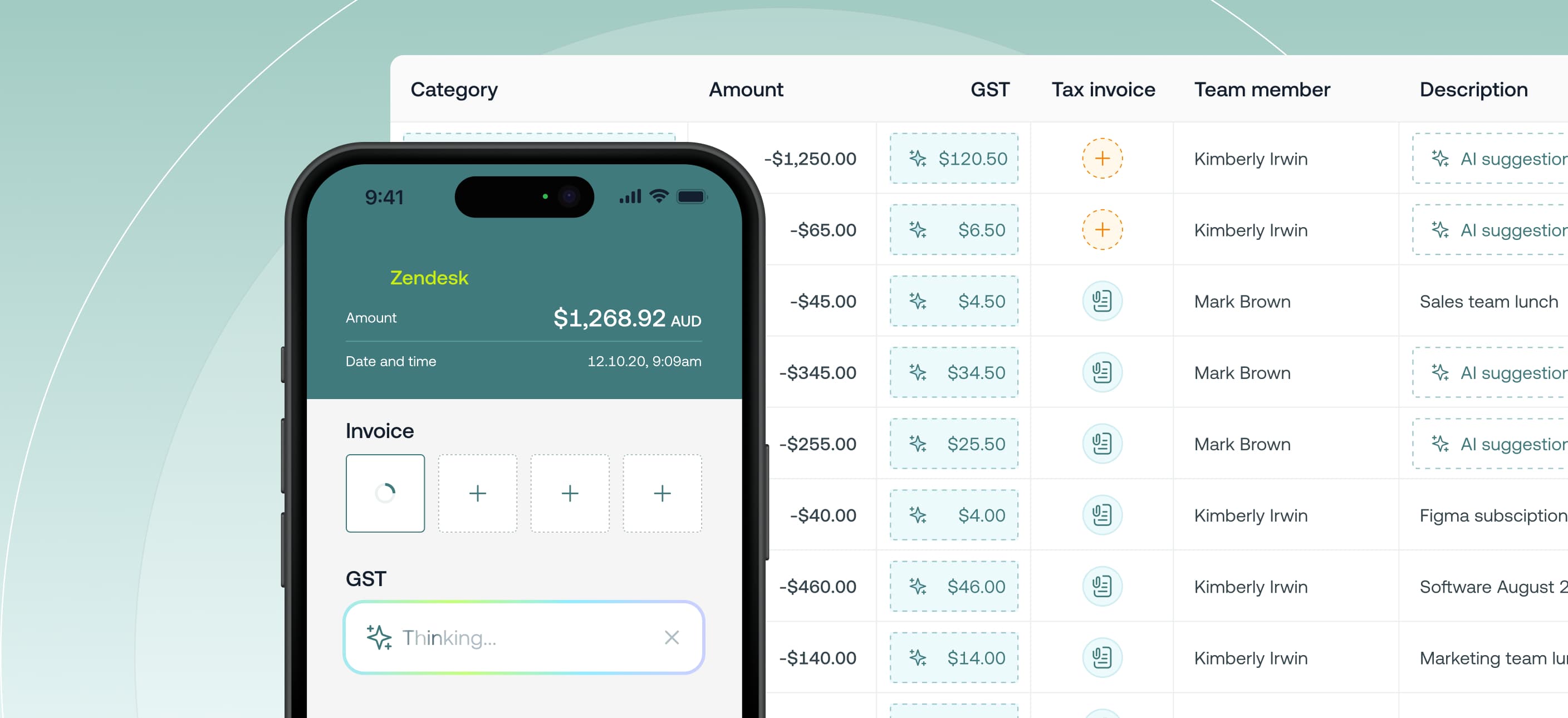

Weel AI automatically extracts GST amounts from receipts uploaded to card expenses. As soon as a receipt is added (email‑in, mobile photo, or file upload), Weel AI reads the document, extracts the GST, and fills it in for you — no manual entry. It also accurately detects GST‑free purchases and GST treatment for foreign/overseas transactions setting GST accurately and reducing finance team rework.
This feature is available to all customers on our Basic, Premium and Enterprise plans.
• No re-work. Accurate GST the first time, including GST‑free, foreign transactions and mixed‑rate cases — exported cleanly to Xero, MYOB and QuickBooks.
• Faster month‑end. Less manual coding and fewer follow‑ups; GST is auto‑filled the moment a receipt arrives.
GST auto-extraction is enabled for all accounts by default. If you need to disable or re-enable this feature:
When enabled, GST amounts will be automatically populated by Weel AI as soon as receipts are added.