We’ve added a submit button to auto-filled expenses so users can check and adjust details before sending them for approval, improving accuracy and control.
Learn more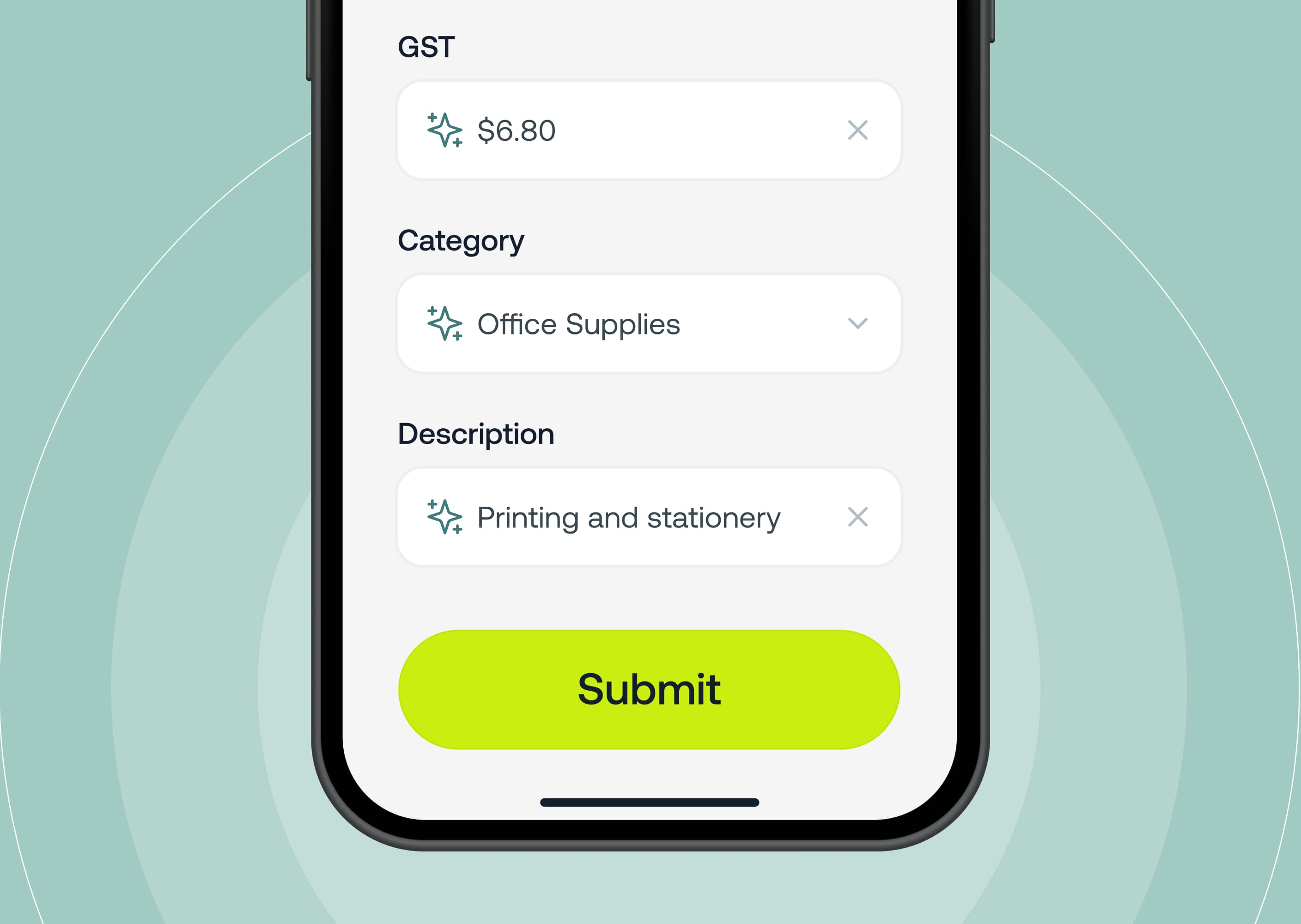
Approvers can now approve card expenses directly in the Weel mobile app. No more switching to web to complete approvals. You can view pending transactions, approve or decline, and edit transaction details.
Learn more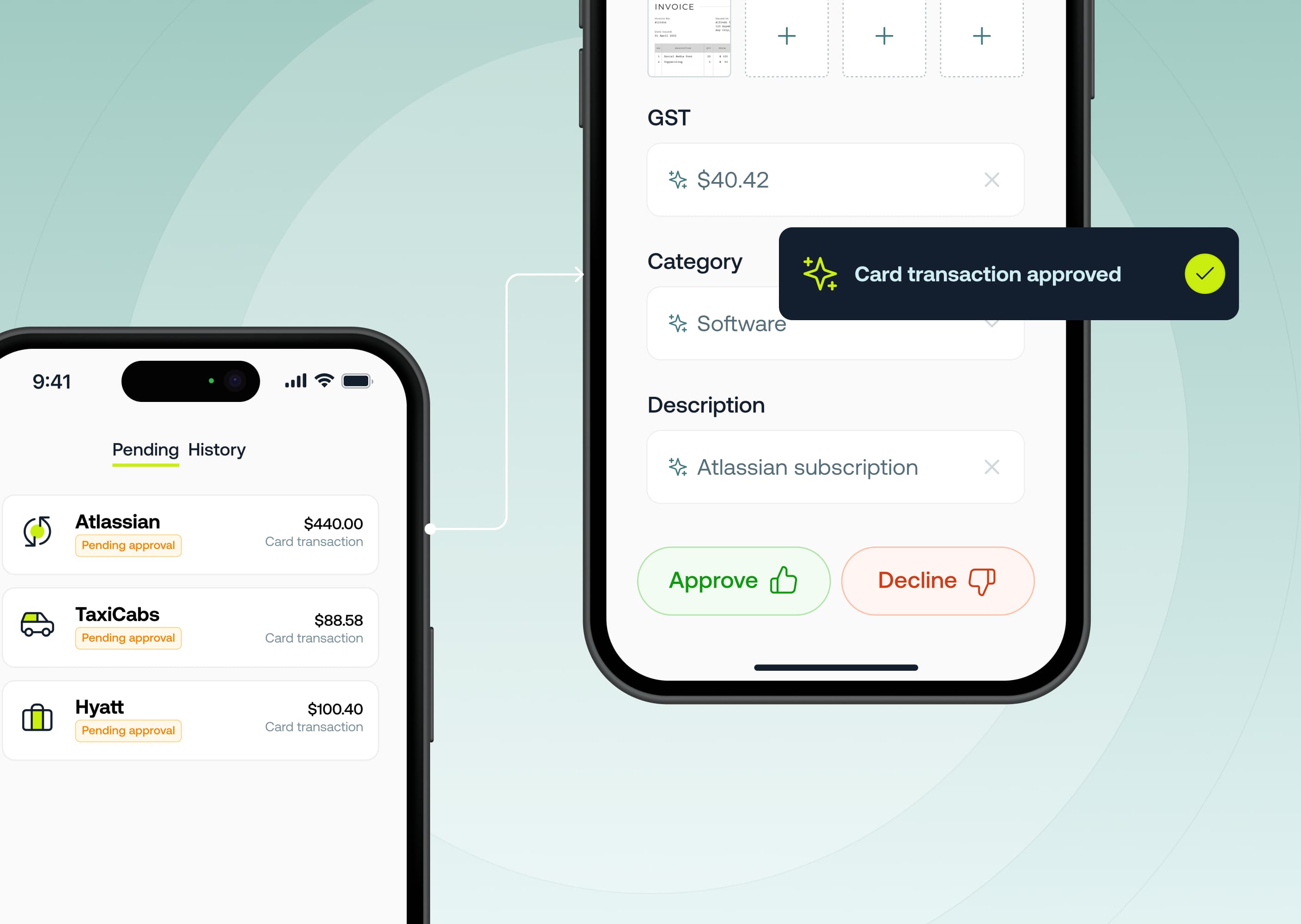
Weel AI automatically extracts GST amounts from receipts uploaded to card expenses. As soon as a receipt is added (email‑in, mobile photo, or file upload), Weel AI reads the document, extracts the GST, and fills it in for you — no manual entry.
Learn more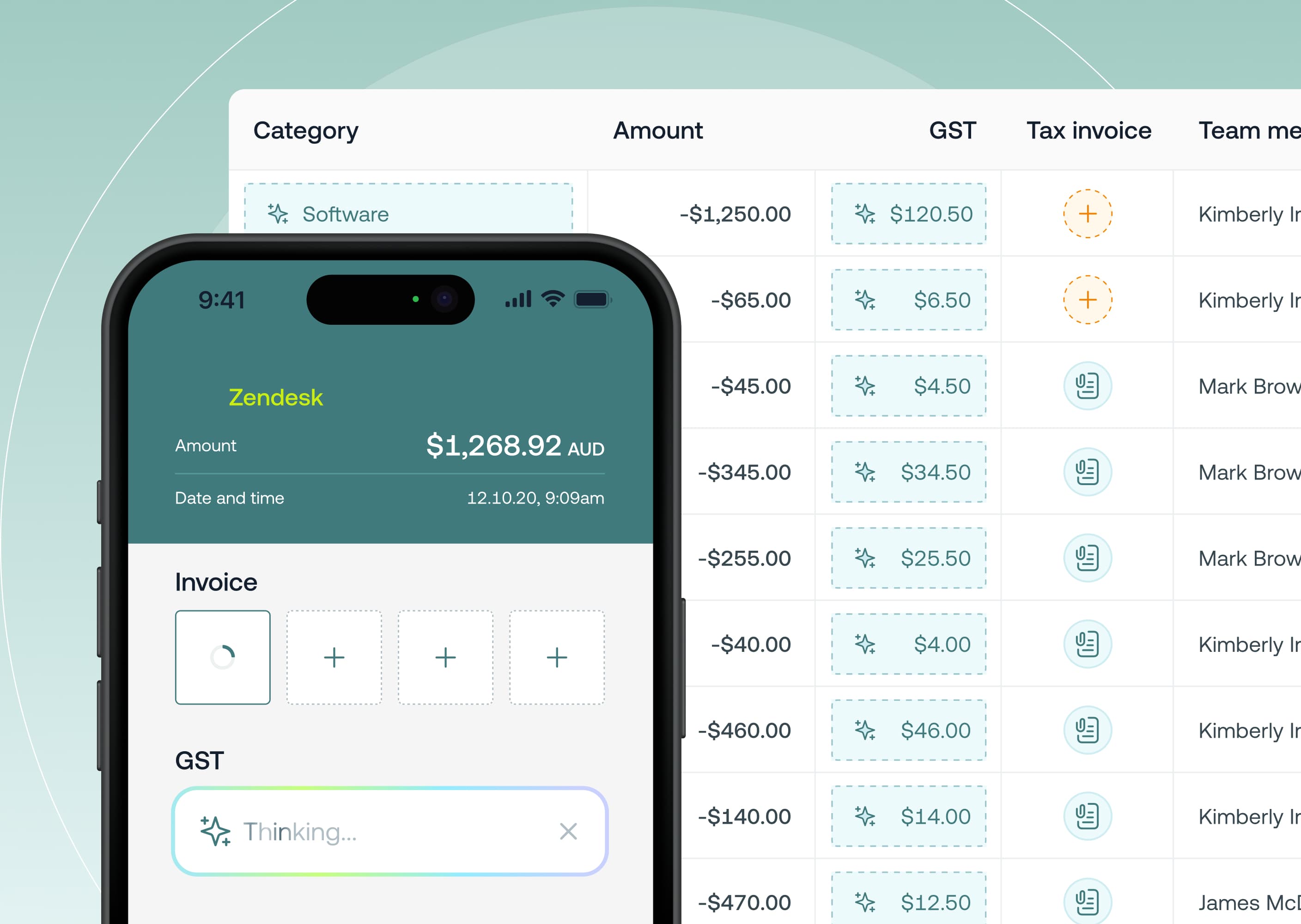
Now in beta, Weel AI automatically applies the right category (GL code) to your card expenses the moment a payment is made. Built to help eliminate uncategorised expenses and designed for accuracy this reduces manual coding and speeds up month‑end close.
Learn more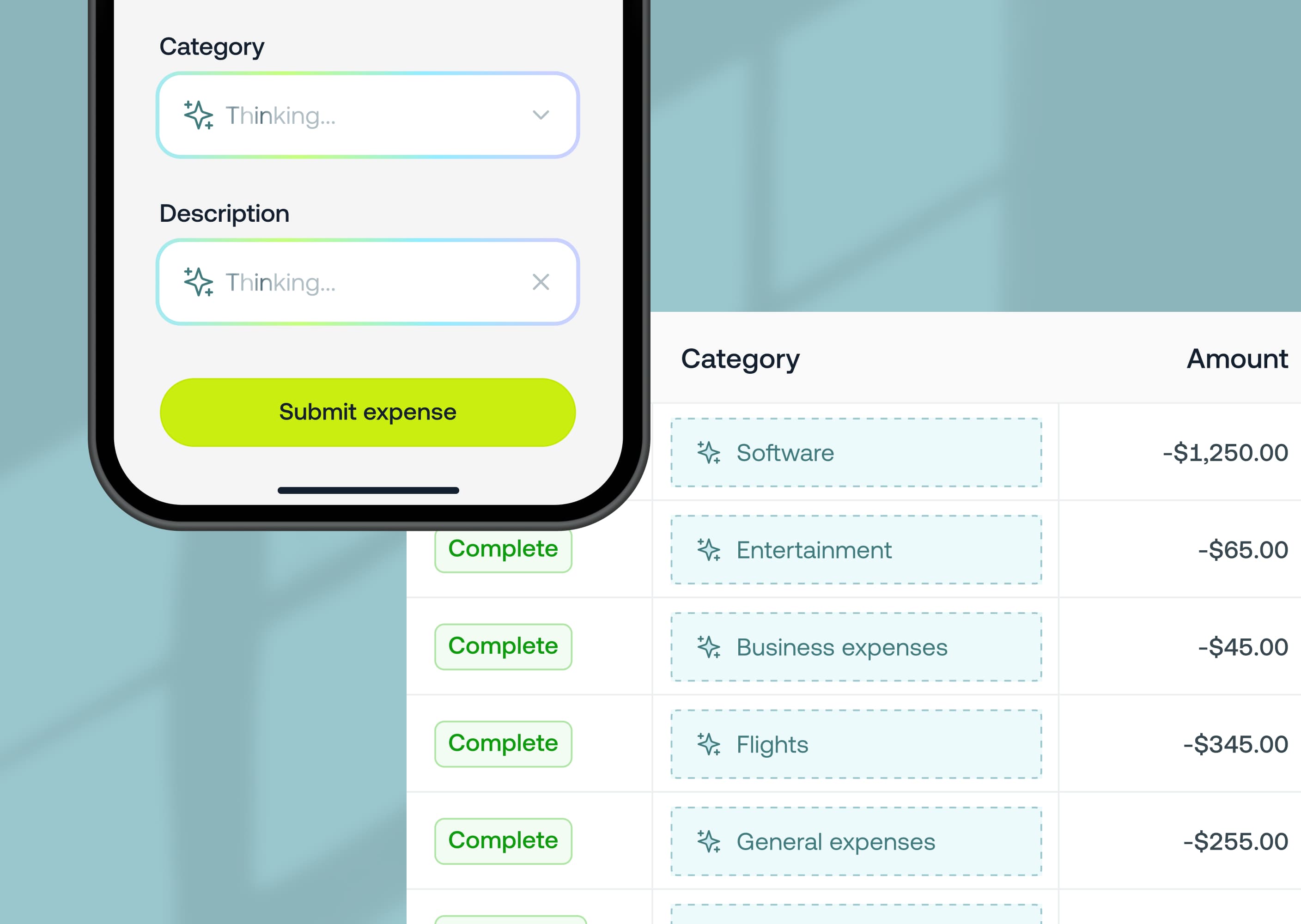
Your Weel card now goes further. Cash withdrawals are available for approved customers, letting teams access cash on the ground while still staying within the same budgets, controls and oversight you rely on in Weel.
Learn more.jpg)
You can now automatically export receipt files from Weel into NetSuite, ensuring all your expense documentation is stored right where you need it.
Learn more
Say goodbye to donut charts — and hello to a simpler, more powerful Budgets experience in Weel. The redesigned Budgets dashboard now highlights what’s most important — your available budget limit, amount spent, and next top-up date, all displayed with clear progress bars.
Learn more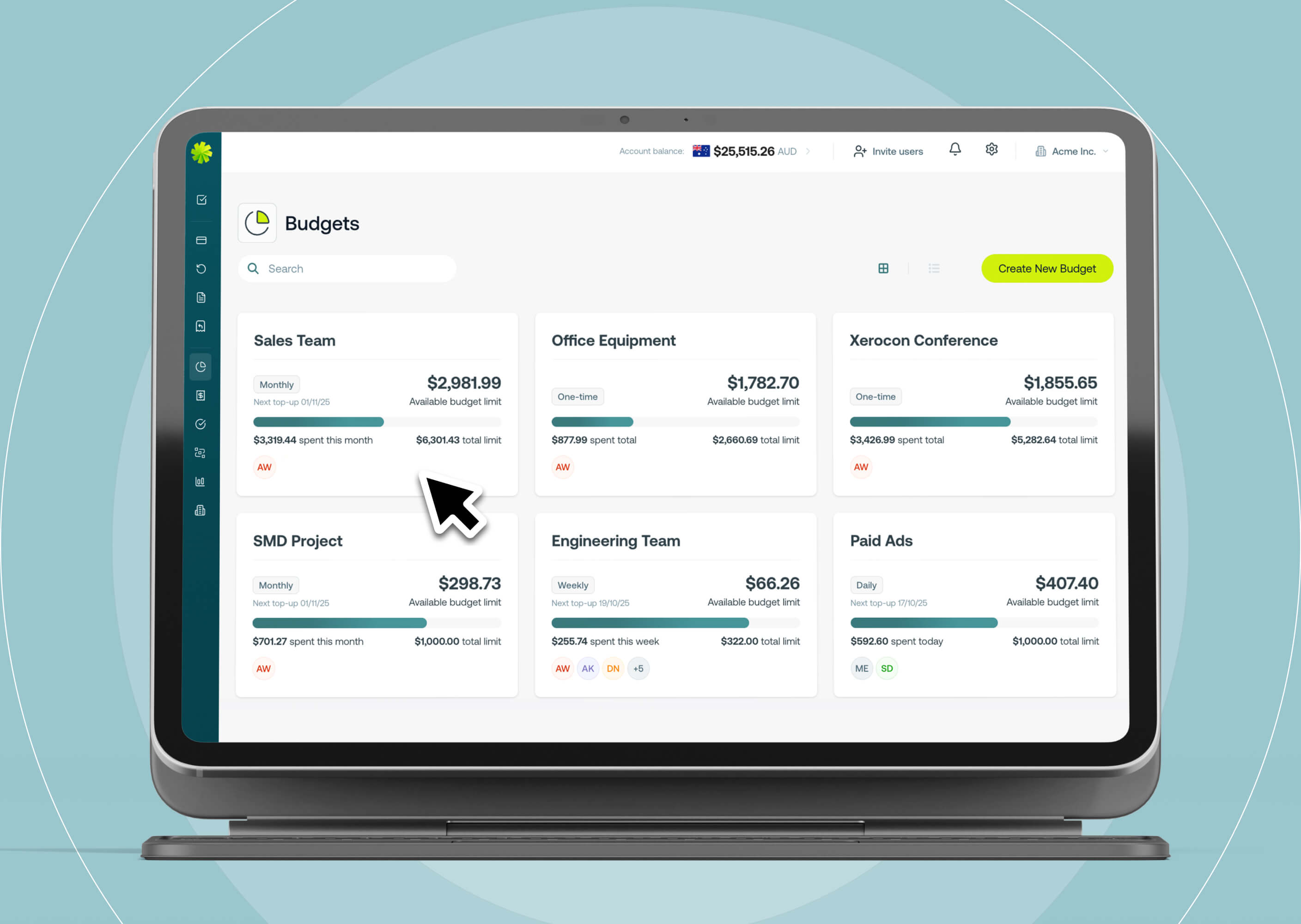
We’ve redesigned the Weel navigation to make it cleaner, faster, and easier to find what you need. The new menu is now collapsed by default, expanding on hover to give you more space while keeping navigation effortless.
Learn more.jpg)
Managing your transactions just got easier with the new Column Controller in Weel and you're now able to re-order and hide / reveal columns in the transactions table.
Learn more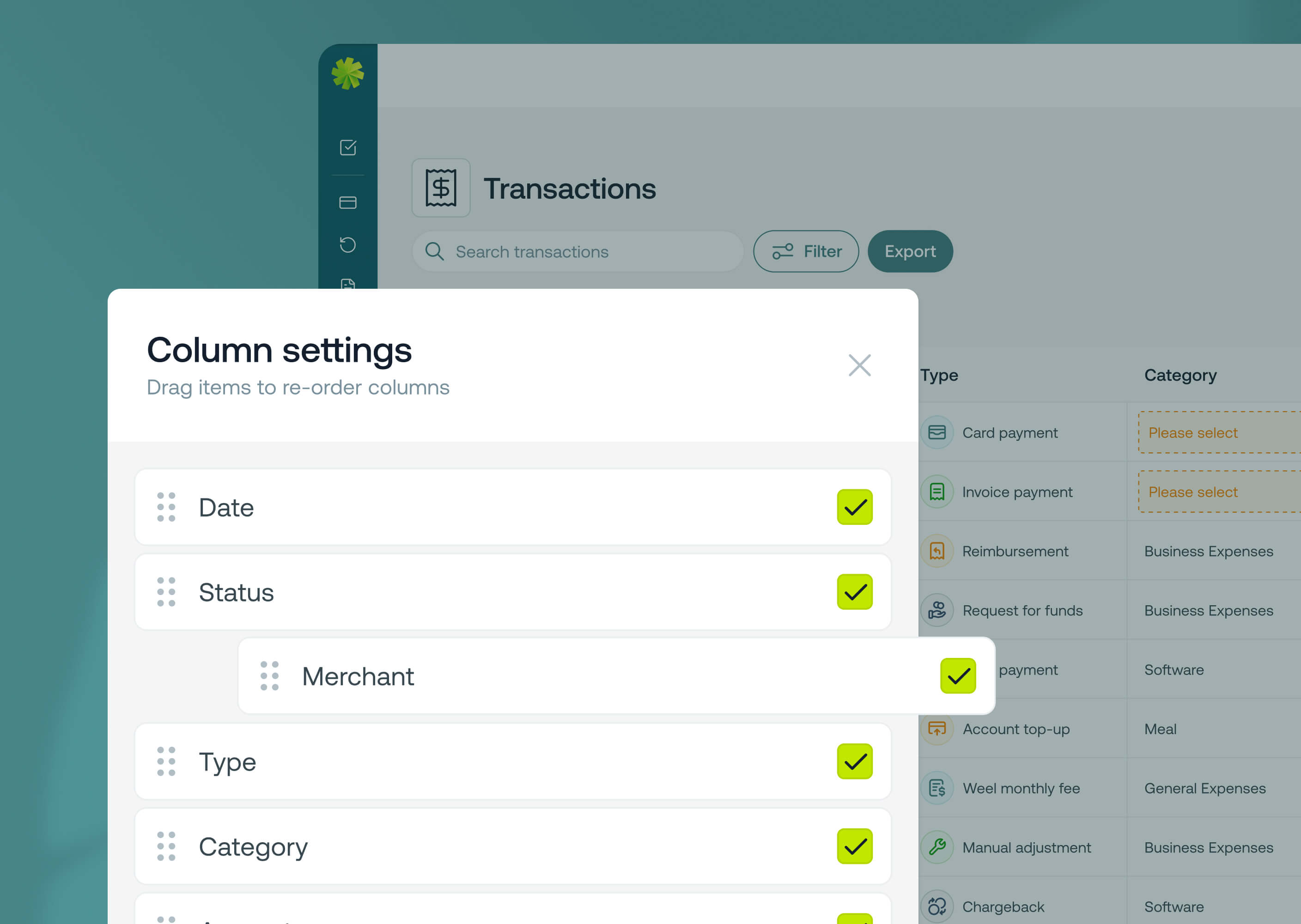
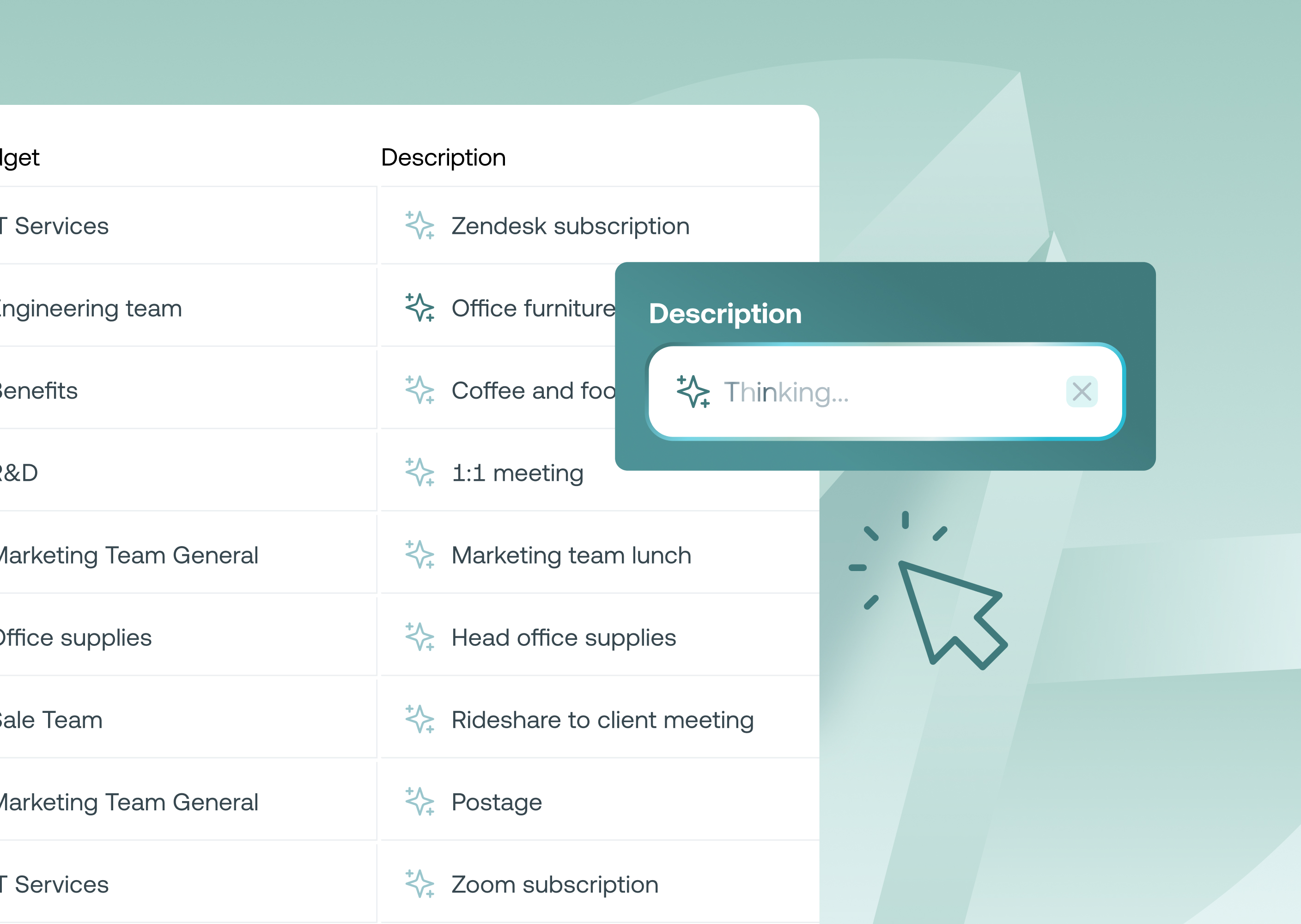
Now in beta, Weel AI automatically completes the description field in card expense reports. Which means that there is one less field you need to spend time following up your staff for.
Learn more